Max Commander
The feeling you remember.
The possibilities you’ve been waiting for.
A modern dual-pane file manager, built on a legendary tradition.
Download and use Free without an account or email registration.
Inside Max Commander
A closer look.
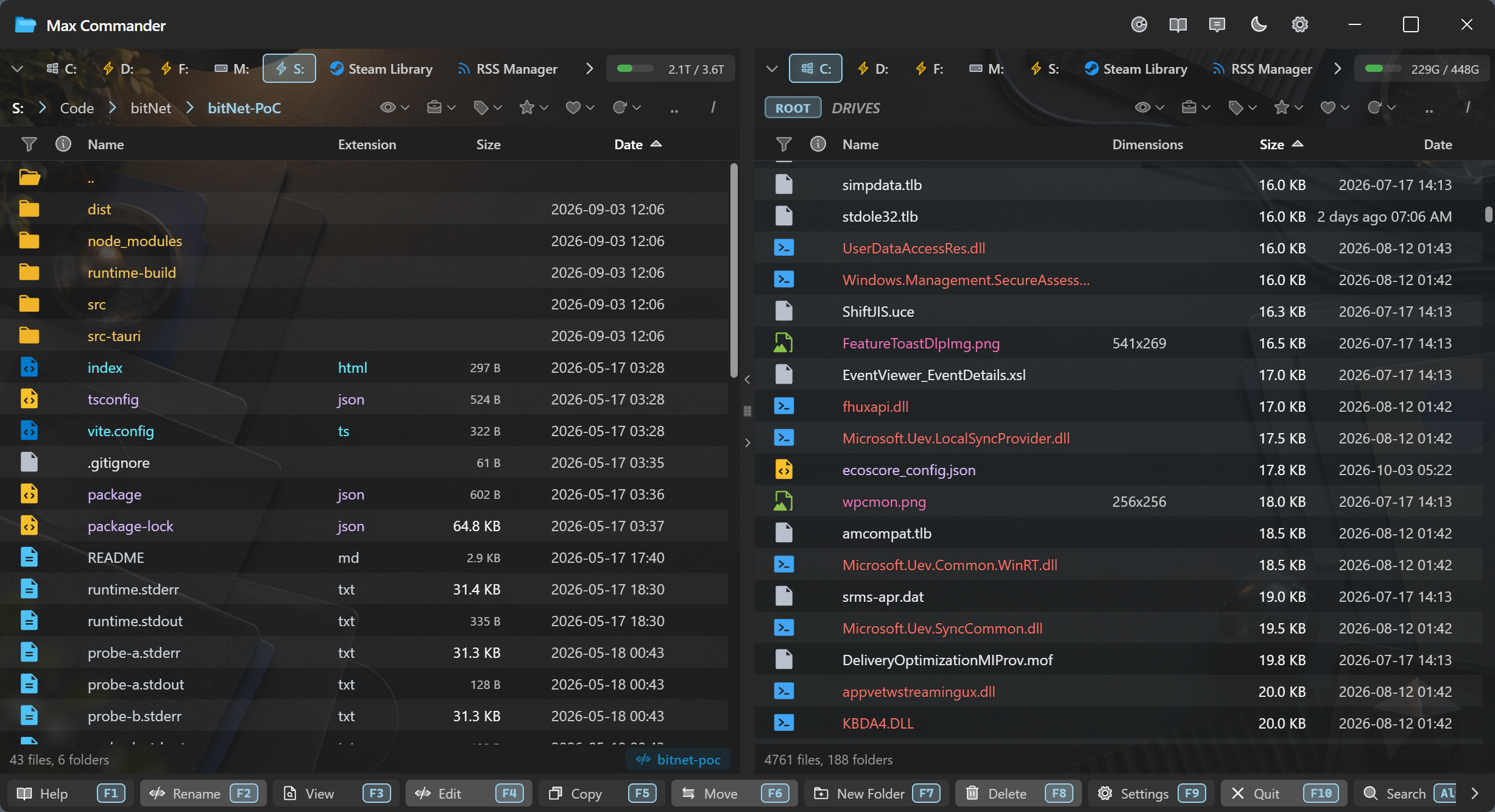
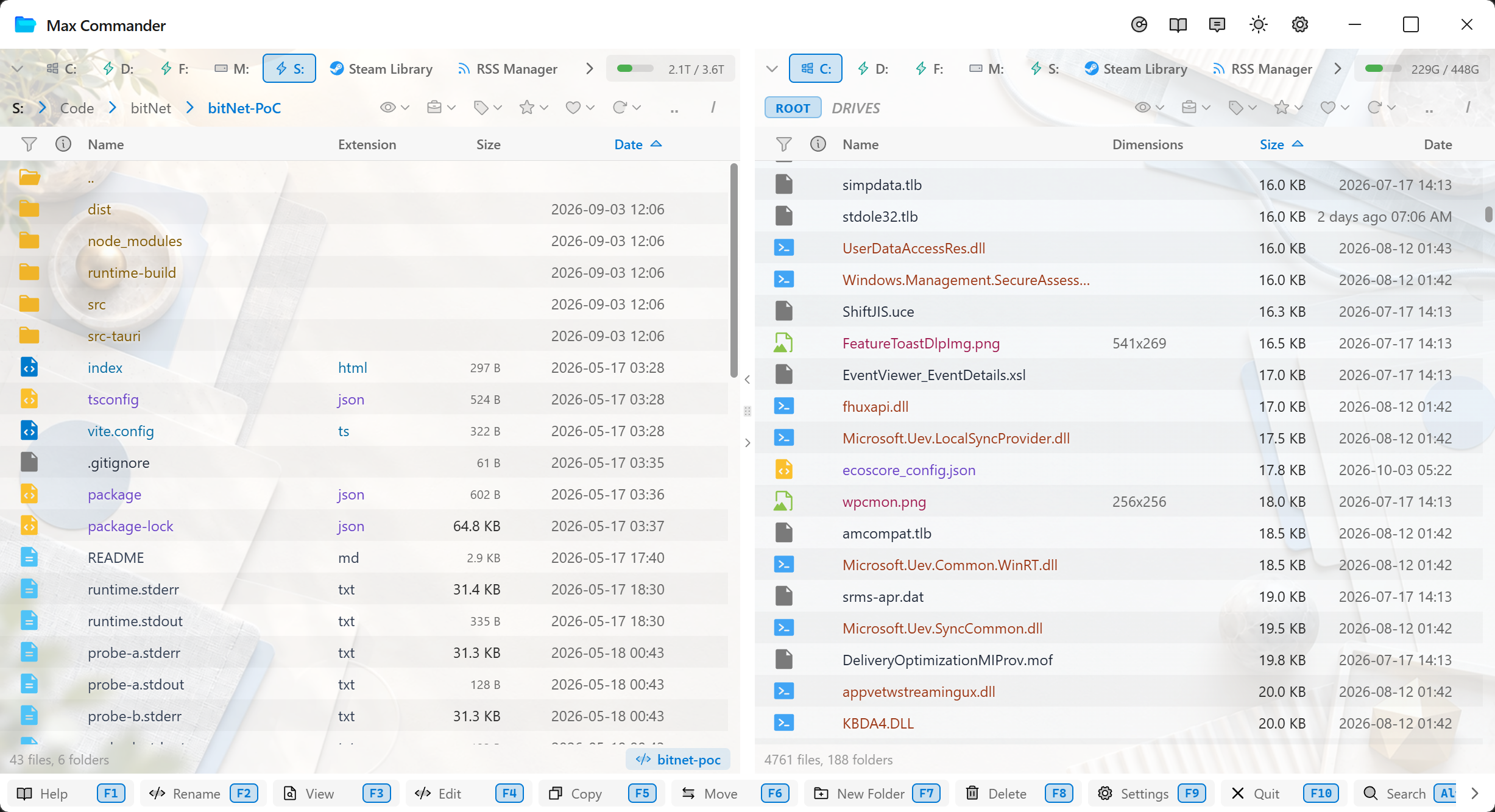
Orthodox Navigation
Dual-pane efficiency with classic shortcuts (F5 Copy, F6 Move). Built for keyboard warriors.
Simple Pricing
Two clear editions. One-time Pro purchase, with lifetime updates.
A modern Commander for everyday work. No registration required.
- TC-style navigation and customizable shortcuts
- Integrated image, document, media, and code previews
- FTP / SFTP and cloud-file awareness
- Batch rename
- Git status indicators in the ordinary file list
- Plugins and integrations
- No registration required
Build the next chapter with us.
Founder support keeps Max Commander moving. Lock in Pro at the launch price.
Founder capacity
Limited to 100 licenses
When Founder capacity is claimed, Pro remains available for €25.
- Everything in Free
- Duplicate Intelligence for exact and similar photos and videos
- Visual disk-space analysis
- Additional profiles and workspaces with Path Firewall
- Advanced metadata, tags, and workflow labels
- Dedicated Git status/history views and integrated diffs
- Lifetime updates







Licenses are sold as a one-time purchase. Purchases are covered by Sterling Lab's and .
Trusted Execution
Browser downloads & Windows SmartScreen
From download to installation
Max Commander is distributed without a code-signing certificate to keep costs low. Your browser may flag an unfamiliar download, and Windows may show a SmartScreen Warning when you open the installer.
Download & install
- Click Download Free. Open your browser’s Downloads panel to check progress.
- If Edge says the installer “isn’t commonly downloaded”, open its … menu and choose Keep → Show more → Keep anyway. These steps apply to the unfamiliar-download warning for the installer from this site; other browsers may use different labels.
- Once the download finishes, open the MaxCommanderSetup-…exe file from the Downloads panel or your Downloads folder.
- If Windows shows “Windows protected your PC”, select More info → Run anyway.
- Follow the setup prompts, then launch Max Commander.